-
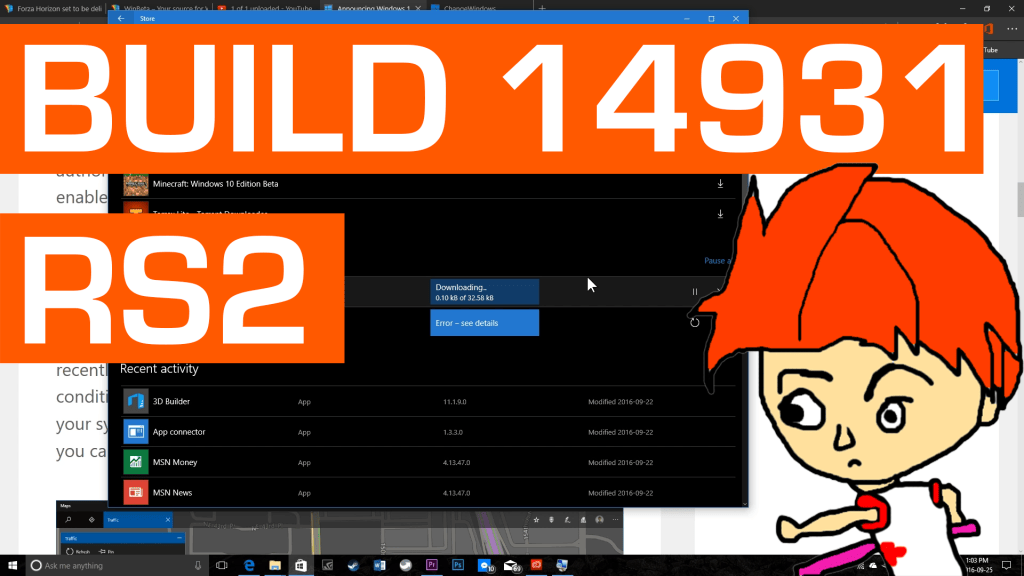 Continue reading →: Let’s Look at Windows 10 Build rs2 14931 – Dark Themed Apps, More Extensions
Today, we are looking at Windows 10 Redstone 2 build 14931. This build doesn’t include any new OS features, but it does offer new app updates that brings the dark theme to the Windows Feedback app as well as the maps app. Now, both the Feedback and the Maps app…
-
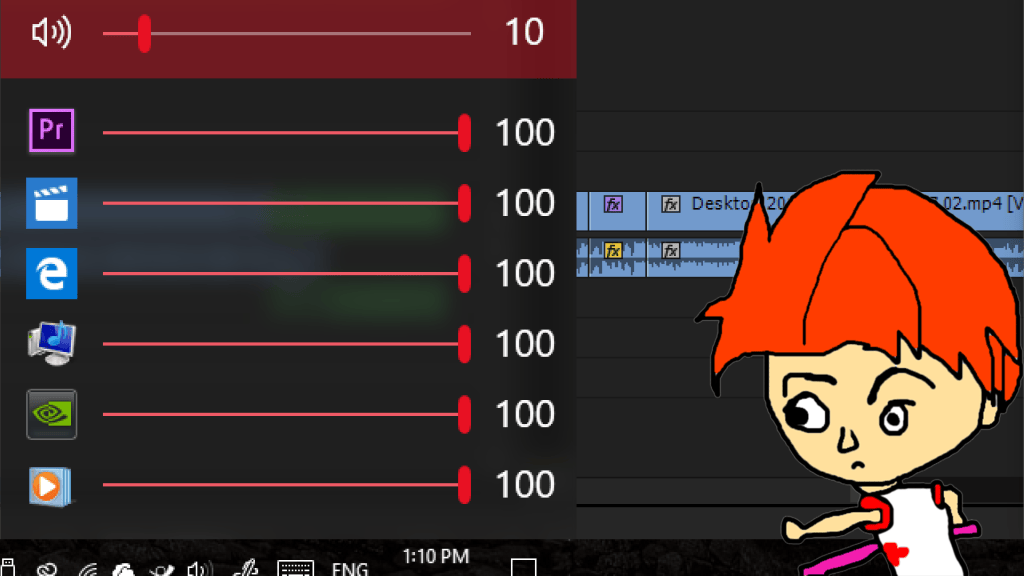 Continue reading →: How to set individual app volumes in Windows 10
Let’s take a look at a simple app that lets you change the individual volumes of all running Windows 10 apps!
-
 Continue reading →: Windows 10 Anniversary Update Feezing Issues – Is it Fixed?
The Windows 10 freezing issue has been plaguing many users of the Windows 10 anniversary update. This freezing issue was caused after a system level change made in the Windows 10 anniversary update (also known as Redstone 1). Has this problem been fixed? The short answer is yes, it was…
-
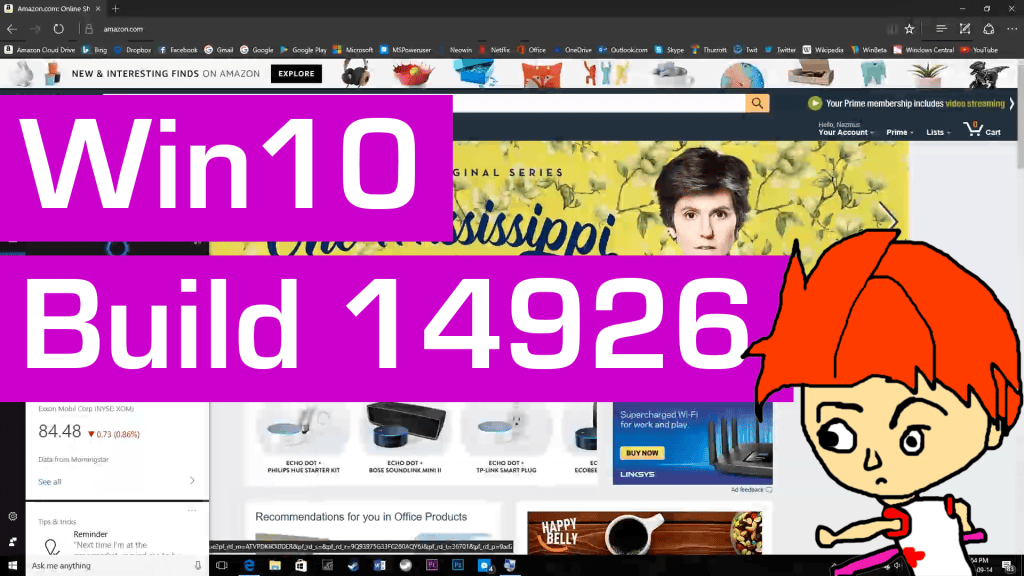 Continue reading →: Hands on with Windows 10 RS2 Build – 14926 Snoose Feature in Edge
Today we take a look at Windows 10 build 14926. This is a Redstone 2 insider preview build that Microsoft seeded out to insiders last week. We take a look at the snooze feature in Microsoft Edge. This feature allows users to set a particular tab in Edge as a…
-
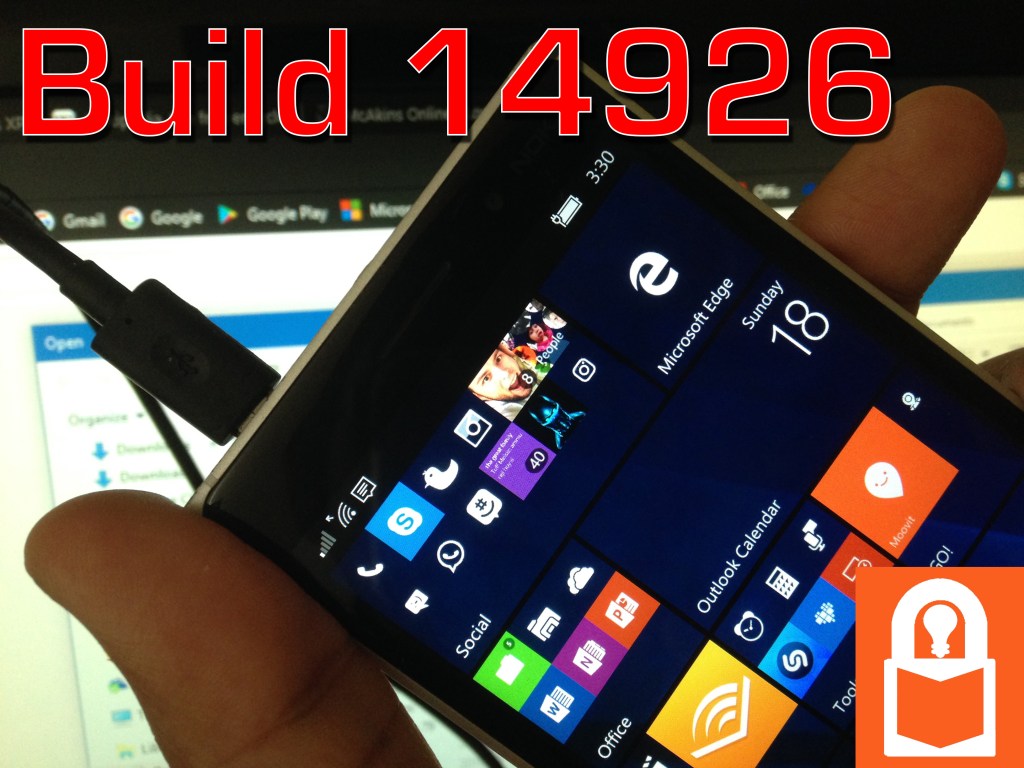 Continue reading →: Handas on with Windows 10 Mobile Build 14926 (RS2) – Wi-Fi Settings, Sounds, and SMS Through Skype!
Today, we are checking out the new Windows 10 Mobile Build 14296. This Redstone 2 Insider Preview build was released last week by Microsoft, and I did a update video on it. This video will demonstrate the new features in this build, including a new Wi-Fi panel in the settings…
-
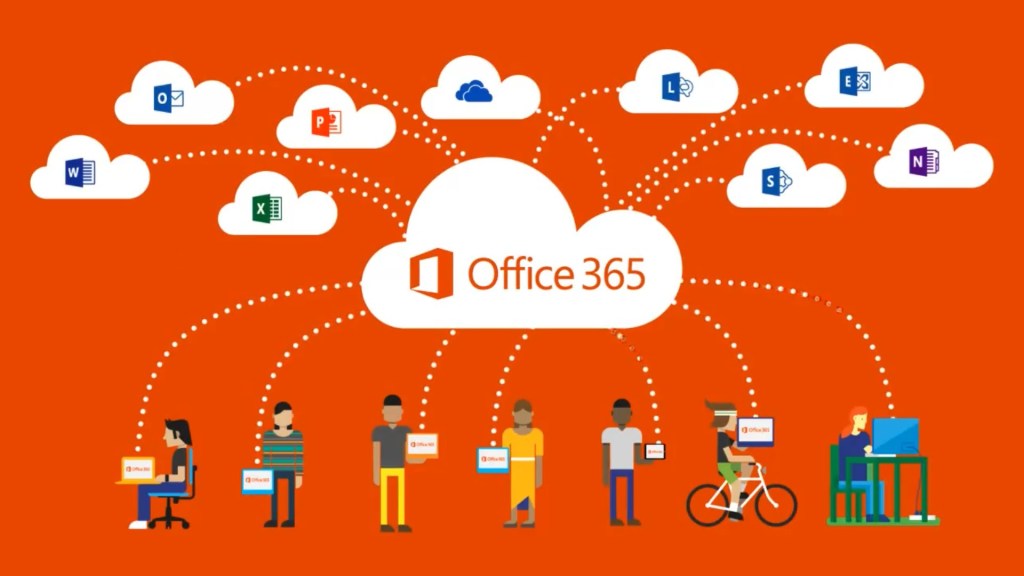 Continue reading →: How to Install Microsoft Office Without Internet Connection
When Office 365 Home, Personal, and University were introduced, you had to always be online to install your office desktop apps. Once they were installed, however, you could go offline and still use those apps. But always relying on an online installer can be difficult for places with slow or…
-
 Continue reading →: OneDrive and OneDrive for Business now MERGED into ONE CLIENT
In a recent update to the OneDrive desktop sync client, Microsoft has enabled users to sync both personal and business accounts using just one app. Let’s take a look at what’s new and how it works!
-
Continue reading →: Video: Demo of the New Windows 10 Store Update on PCs
Let’s take a look at the PC version of the massive Windows Store update coming with the Windows 10 anniversary update.
-
Continue reading →: Comparing the OneDrive UWP App for Windows 10 Mobile with that of the PC
Microsoft released the OneDrive UWP app for Windows 10 PCs and tablets yesterday. I take a look at the app and compare it to the app we had for Windows 10 Mobile for months. How does it compare? Hint: it’s the same app!
-
Continue reading →: Your Purchased Xbox One Game Library Now Shows Up in the Windows Store
If you have purchased an Xbox One game or a Xbox 360 game from the Xbox One Store, they will now show up in the Windows 10 Store Library.
-
Continue reading →: Video Demo: New Store Experience in Windows 10 Anniversary Update
Microsoft is releasing a major update to Windows 10 This summer, called the Windows 10 Anniversary Update. This update brings a slew of new feature, and one of them is an overhauled Windows Store. Here is a video demonstrating the new Windows Store experience. Not that this is a preview…
-
Continue reading →: How to Install or Move a Windows 10 App or Game to Another Drive
Learn how to quickly install or move a Windows 10 UWP app or game to another disk drive or a partition. This article provides step-by-steam guide in both installing a new app and moving an already installed app to another drive..
-
Continue reading →: Let’s Install Windows Server 2016 TP5 Desktop Experience and Compare it to Windows 10
What does the desktop experience in Windows Server 2016 Technical Preview 5 look like? How does it compare to that of Windows 10? Let’s find out!
-
Continue reading →: The OneDrive UWP app won’t yet be like the Windows 8.1 OneDrive metro app
Rumor has it that Microsoft will release the OneDrive universal (UWP) app soon to Windows Insiders. But if you are hoping that the OneDrive UWP app will work like the OneDrive Windows 8.1 we sorely miss in our Windows tablets, I have bad news for you. In the near future,…
Welcome to McAkins Online
Let’s connect
Join the fun!
Stay updated with our latest tutorials and ideas by joining our newsletter.