
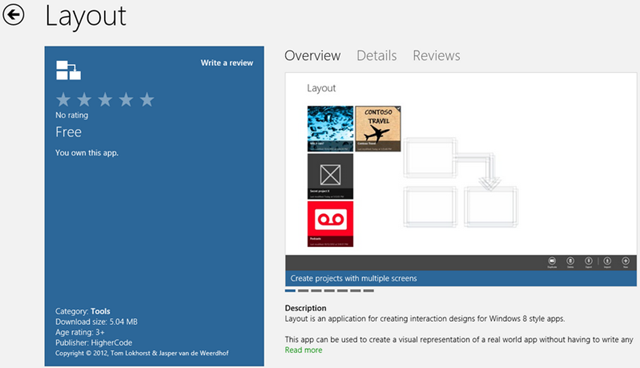
If you are young and budding Windows 8 Developer or you are Gandalf the Grey in Metro Design language, we all need a Storyboard to get our GUI right. If you think I am joking, go and see TweeTRO designers Storyboard. Coding something is C# or Java is one thing, getting the Interface right is a complete different story entirely. We know coders are almost always never Artists, we just don’t see this things that make a Lamp glow above an artist’s head  . So if you can’t afford a professional technical artist to put your GUI together, you can dabble yourself with Layout. You can create mock-up Screens of your app, see for yourself how it will look like in real life. Create sections of your app, link them together. At least that is what this app wants to achieve. As you can see, I have downloaded the App myself as I am working on something on the background myself. So this one come really handy, and better still, the vendor HigherCode has made it free for the time being. So go get it while you can. Following is describing the app from the Store:
Description
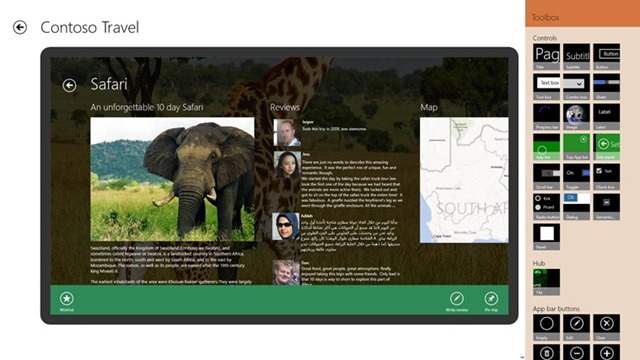
Layout is an application for creating interaction designs for Windows 8 style apps.
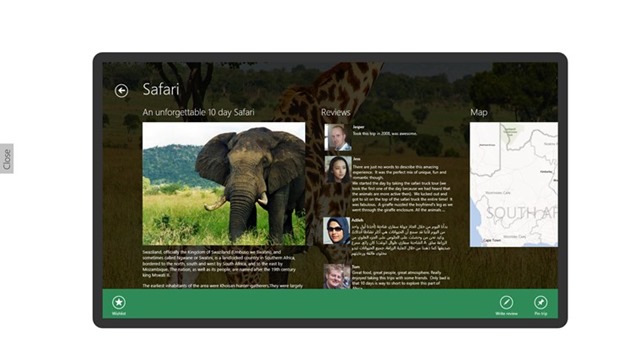
This app can be used to create a visual representation of a real world app without having to write any code. Interaction designs can be quickly prototyped, tested, discarded and redone without long development cycles.
Features
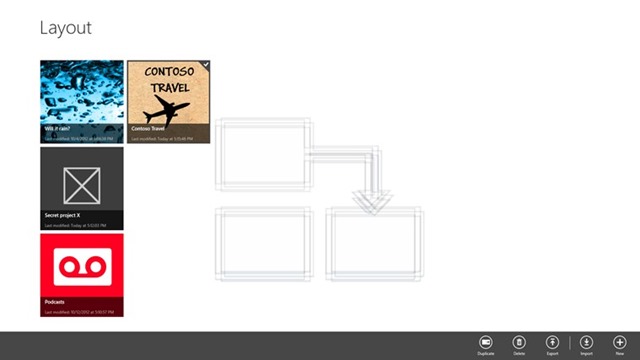
– Create projects with multiple screens
– Link different screens together to create a flow
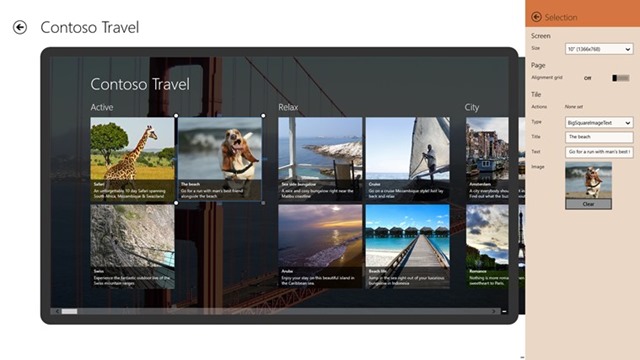
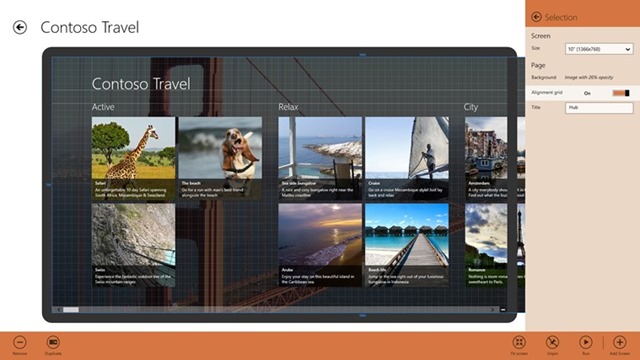
– Design apps for multiple screen sizes
– Support for Windows 8 controls
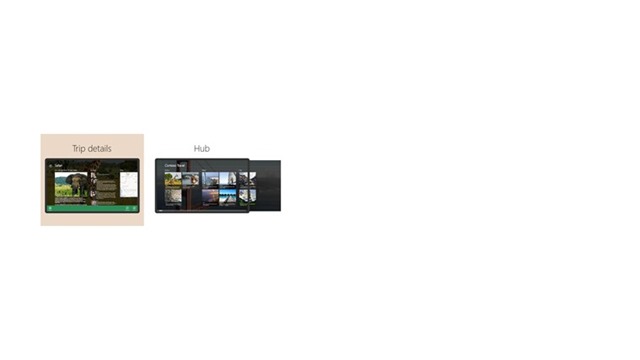
– Get a perspective on your project via sementic zoom
– Duplicate projects/screens to quickly create variations
– Easily share you’re projects
– Pin a project on the Start screen to test your project via “Run mode”Features
Easily create interaction designs for Windows 8 applications
![clip_image003[1]](https://mcakins.com/wp-content/uploads/2012/10/clip_image003110.jpg "clip_image003[1]")
![clip_image003[2]](https://mcakins.com/wp-content/uploads/2012/10/clip_image003210.jpg "clip_image003[2]")
If this app work as advertised, I am sure the writers are sitting on a crock of gold. If you are curious just like me, download the app now via the Source.
Source: Windows Store

 McAkins Online